
Family Challenge · 30 Days · Whole-Family
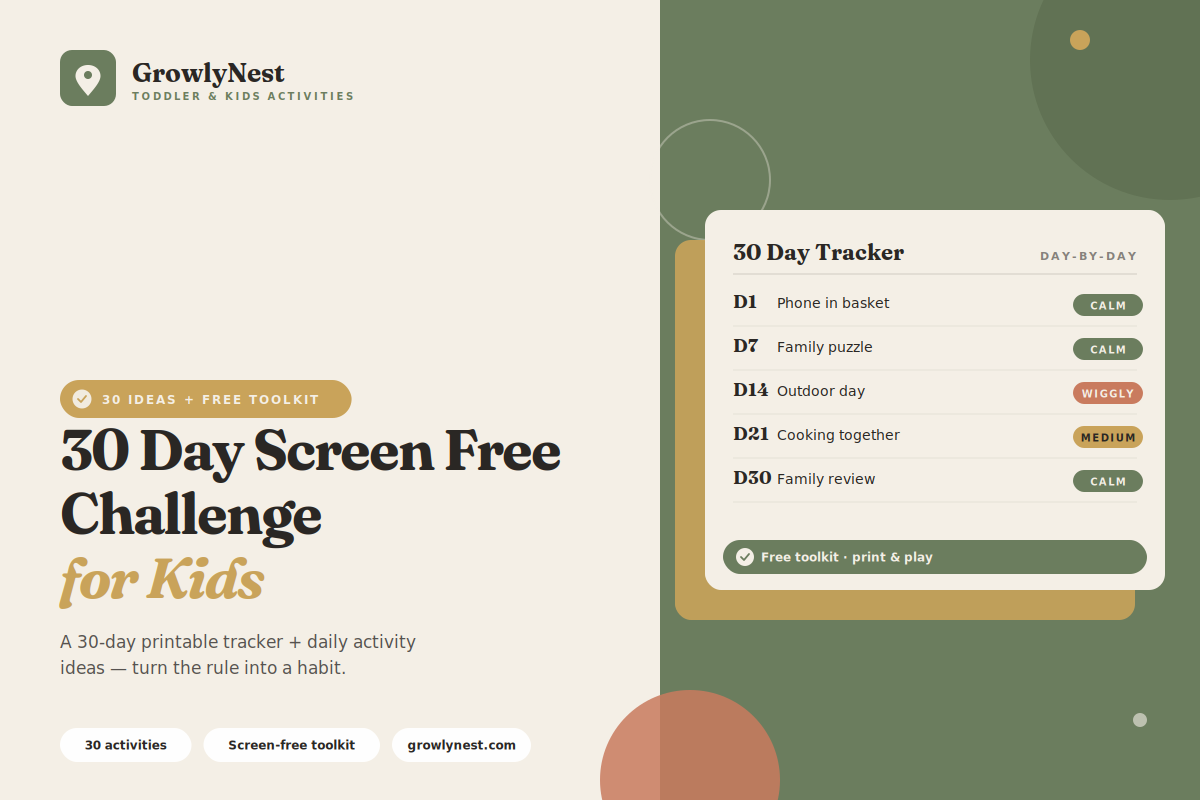
Most family screen free challenges quietly collapse by day five — because nothing fills the space the screens leave. A 30-day challenge works when you front-load the alternatives and track your progress. Here's the full plan: how it works, a week-by-week guide, and a deep bank of activities to pull from.
Why 30 days, and why it works
Lasting habit change takes more than a few days. Around three to four weeks of repeating a new behavior is what turns intention into routine — long enough for the family to find a genuinely different rhythm, not just white-knuckle through a week.
The challenge succeeds on two things: a visible tracker and a ready supply of activities. The tracker keeps everyone motivated and accountable; the activity bank means "what do we do now?" always has an answer. Willpower alone won't carry 30 days — structure will.
Free printable download
Get the Free Screen-Free Toddler Toolkit
A parent guide on replacing screen time, 30 activity cards across 6 categories, a Quick Finder page, a weekly screen-free planner, and a bonus jar label — all free.
Download the Free Toolkit →How the 30-day challenge works
01. Set your rules on day one
Decide together what counts as a screen and what doesn't — TV and tablet games usually count; video calls and audiobooks usually don't. Write the rules down where everyone can see them.
02. Put up a visible tracker
A wall chart in the kitchen, marked daily, keeps momentum alive. Out of sight means out of mind by week two.
03. Plan a daily anchor activity
Each day, line up one go-to activity in advance so there's never a screenless gap with nothing to fill it.
04. Expect day two or three to be hardest
The early pushback is normal and temporary. By the end of the first week, the new rhythm genuinely starts to feel easier.
05. Do the challenge as a whole family
Parents put phones away during the agreed hours too. Kids commit far more readily when the adults are visibly in it with them.
Your week-by-week plan
Week 1 — Establish the rhythm
Focus on replacing your biggest screen triggers — often morning, dinner prep, and the after-school slump. Have a prepared activity ready for each one.
Week 2 — Build independent play
Now that the habit is forming, encourage more solo play. Set up sensory bins, building, and creative stations your child can lead alone.
Week 3 — Add connection and projects
Layer in longer shared activities — a family puzzle left out all week, baking together, a building project. This is where families feel the challenge paying off.
Week 4 — Get outdoors and reflect
Push more play outdoors with walks, park trips, and garden time, and start talking as a family about what's worked and what you'll keep.
Want all of this on printable cards?
The free Screen-Free Toddler Toolkit turns these ideas into 30 ready-to-use activity cards, sorted into 6 categories, with a Quick Finder page so you can grab the right one in seconds.
Get the Free ToolkitDaily activity ideas to pull from
10. Calm play
Sensory bins, puzzles, sticker scenes, play-doh, and quiet reading corners for low-key moments.
11. Creative projects
Painting, cardboard building, baking, and craft activities that can stretch across a morning.
12. Active play
Obstacle courses, dance-and-freeze, ball games, and balloon games to burn the day's energy.
13. Connection activities
Board games, cooking together, story-building, and forts for whole-family time.
14. Outdoor resets
Nature hunts, park visits, chalk play, and gardening to round out each day.
How to finish all 30 days
1. Keep the tracker somewhere central
The fridge or kitchen wall works well. A visible record of progress is genuinely motivating for kids and parents alike.
2. Push through day three
The hardest stretch is early. If you can ride out the first few days, the rest of the challenge gets steadily easier.
3. Use an activity jar
Write ideas on slips of paper in a jar. When you're stuck, your child draws one and the decision is made.
4. Plan your after-challenge rhythm
Before day 30 arrives, decide what comes next — most families settle on screen-free weekdays with moderated weekends.
Frequently asked questions
What exactly counts as a screen during the challenge?
Most families count TV, tablet games, and phone videos, while allowing video calls with relatives and audio stories. Decide as a family on day one and write it down to avoid daily debate.
Can we have a planned screen night during the 30 days?
It's better to commit fully for the 30 days so the habit truly resets. If you do allow an exception, make it planned and predictable rather than a reactive "just this once."
What if my toddler melts down on day one?
Expect it — they're adjusting to a real change in routine. Acknowledge the feelings, redirect to a ready activity, and know that it eases significantly within a few days.
We slipped up mid-challenge. Do we start over?
No. Note what triggered the slip, plan a swap, and carry on from where you are. Progress across the month matters far more than a perfect record.
What happens after the 30 days?
Use what you learned to set a sustainable long-term rhythm. Many families keep weekdays screen-free and allow moderated, planned screen time on weekends.
The Screen-Free Toddler Toolkit
Make screen-free days the easy default
Everything in one free download: a parent guide on replacing screen time, 30 activity cards in 6 categories, a Quick Finder page, a weekly screen-free planner, and a bonus activity-jar label.
Download the Free Toolkit →Free forever · No spam · Unsubscribe any time
From the GrowlyNest family — helping you raise calm, curious, screen-free kids.
You're getting — completely free
The Screen-Free Toddler Toolkit Bundle
Here's how to get it
It arrives in 1–2 minutes — check your inbox now.
If you don't see the "Gift File" check your Promotions or Spam folder. Drag it to your main inbox so future emails reach you.
Loading Viewer...